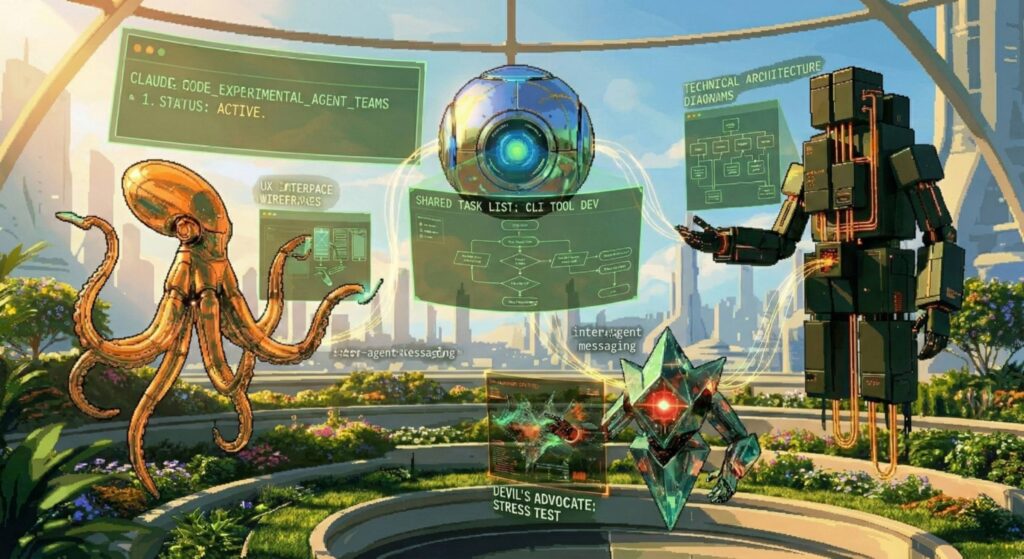
Yesterday Anthropic dropped Claude Opus 4.6 and with it a research-preview feature called Agent Teams inside Claude Code.
In plain English: you can now spin up several independent Claude instances that work on the same project at the same time, talk to each other directly, divide up the work, and coordinate without you having to babysit every step. It’s like giving your codebase its own little engineering squad.
1. What You Need First
- Claude Code installed (the terminal app:
claudecommand) - A Pro, Max, Team, or Enterprise plan
- Expect higher token usage – each teammate is a full separate Claude session
2. Enable Agent Teams (it’s off by default)
{
  "env": {
    "CLAUDE_CODE_EXPERIMENTAL_AGENT_TEAMS": "1"
  }
}
Or one-off in your shell:
export CLAUDE_CODE_EXPERIMENTAL_AGENT_TEAMS=1
claude
3. Start Your First Team (easiest way)
Just type in Claude Code:
Create an agent team to review PR #142.
Spawn three reviewers:
- One focused on security
- One on performance
- One on test coverage
4. Two Ways to See What’s Happening
A. In-process mode (default) – all teammates appear in one terminal. Use Shift + Up/Down to switch.
B. Split-pane mode (highly recommended)
{
  "teammateMode": "tmux"   // or "iTerm2"
}
Here’s exactly what it looks like in real life:


5. Useful Commands You’ll Actually Use
- Shift + Tab → Delegate mode (lead only coordinates)
- Ctrl + T → Toggle shared task list
- Shift + Up/Down → Switch teammate
- Type to any teammate directly
6. Real-World Examples That Work Great
- Parallel code review (security + perf + tests)
- Bug hunt with competing theories
- New feature across frontend/backend/tests
7. Best Practices & Gotchas
- Use only for parallel work
- Give teammates clear, self-contained tasks
- Always run
Clean up the teamwhen finished
Bottom Line
Agent Teams turns Claude Code from a super-smart solo coder into a coordinated team of coders that can actually debate, divide labor, and synthesize results on their own.
Try it today on a code review or a stubborn bug — the difference is immediately obvious.
Official docs: https://code.claude.com/docs/en/agent-teams
Go build something cool with your new AI teammates! 🚀